
Studio
One Studio for the whole production line
This used to take three tools: one for generating, one for editing, one for reconciling accounts, joined together by exporting and importing files—every export loses quality and time, and across the three nobody knows whose face is in a given frame. Here, from prompt to final film to listing, it all happens in one tab.
Go to StudioSee plans and pricing
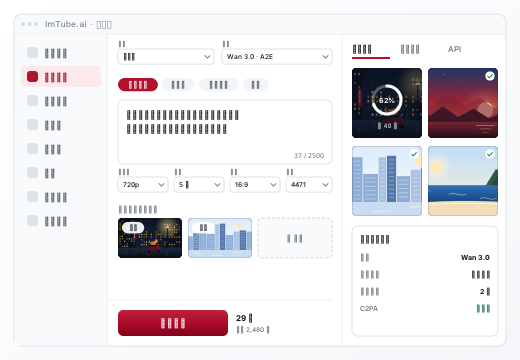
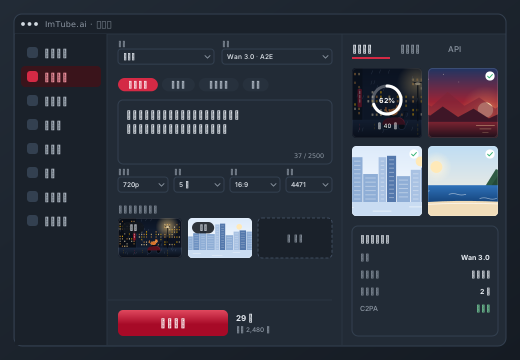
- 213 generation paths: text-to-image, image-to-image, text-to-video, image-to-video, reference-to-video, voice
- Every parameter is laid out — aspect ratio, seed, audio, resolution tier — not just a prompt box
- 35 camera move presets: rapid push-in, orbit, aerial, whip pan… pick a card and the platform writes it out as full camera language; storyboards use the same set
- One-click effects: smoke entrance, armor-up, time freeze, product spin… pick one, add an image, and the platform writes the prompt and camera move
- In-browser editing: multi-track timeline, 12 transitions, 8 color grades, keyframes, subtitles
- The exported film is itself an asset with provenance; which part came from where is recorded in C2PA
Sign up and get 200 credits to try first; the button shows what each run costs before you generate.