
All features
One account, 24 creation features
Images, video, audio and digital humans, plus editing and publishing. Every model's parameters are laid out for you to adjust — not just a prompt box.
Back to home to start creatingSee plans and pricing
Image9
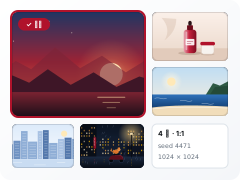
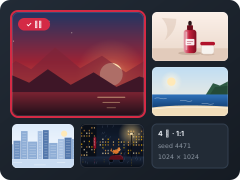
- Image GenerationCreate images from text
- Image editingEdit or redraw using a reference image as the base
- Image BlendBlend 2–3 images into one
- Style TransferTurn an image into a different art style
- Face SwapSwap a licensed likeness into the target scene
- Photo SetCreate a full photo set from one portrait
- Virtual Try-OnPut an outfit on a portrait
- Product Scene ImagesCreate lifestyle photos from a product image
- Quality EnhancementIncrease the resolution of existing assets
Video8
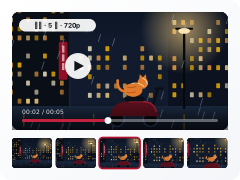
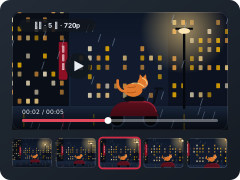
- Text-to-videoCreate video from text
- Image-to-videoCreate video using an image as the first frame
- First-and-last framesSet the first and last frames; the model fills in between
- Reference-to-videoCreate video from the style, composition or subject of a reference
- Motion TransferApply the motion of a reference video to a portrait
- Video Character SwapKeeps the background and motion; only replaces the person in the video with a licensed likeness or personal twin
- Remove SubtitlesRemove burned-in subtitles from the picture
- Video Sound EffectsGenerate matching sound effects based on the video content
Audio4
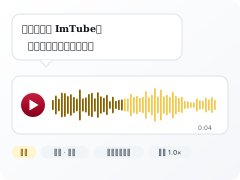
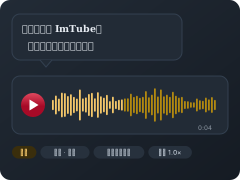
- Speech GenerationText to speech
- AI DubbingDub a video into another language
- Voice cloneTrain a reusable voice from your own voice sample
- AI MusicPick a genre, tempo and length to make an original instrumental track
Digital Human3
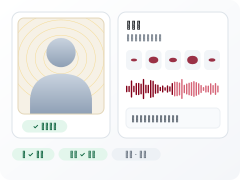
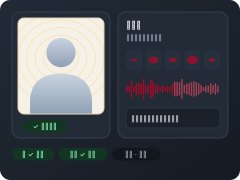
- Digital Human Lip SyncMake the portrait photo or video of a licensed likeness or personal twin speak
- AI Digital HumanHave the video avatar of a personal twin or licensed likeness read out a script
- Video avatar trainingTrain a reusable digital avatar from your own video
Edit and publish4
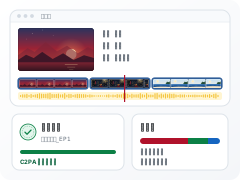
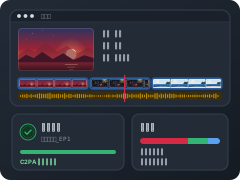
- multi-track EditorTimeline, 12 transitions, 8 color grades, keyframes
- Subtitles and animationWord-by-word animation, alignment and styling, all done in the browser
- One-click publishExports go straight into "My Outputs" and can be listed on the marketplace directly
- Automatic revenue shareOnce published, revenue is triggered by the provenance chain and split automatically among N parties
Editing and publishing are not counted in the "24 types" above: that number counts generation features only.
Sign up and get 200 credits to try first; the button shows what each run costs before you generate.